
Apple Podcasts is the one directory you don’t skip.
It’s the app baked into a billion iPhones, the source most other players still check, and the chart people actually screenshot. Getting listed is free. The process is mostly painless — except for one step that quietly locks people out before they even begin.
We’ll get to that. First, the short version.
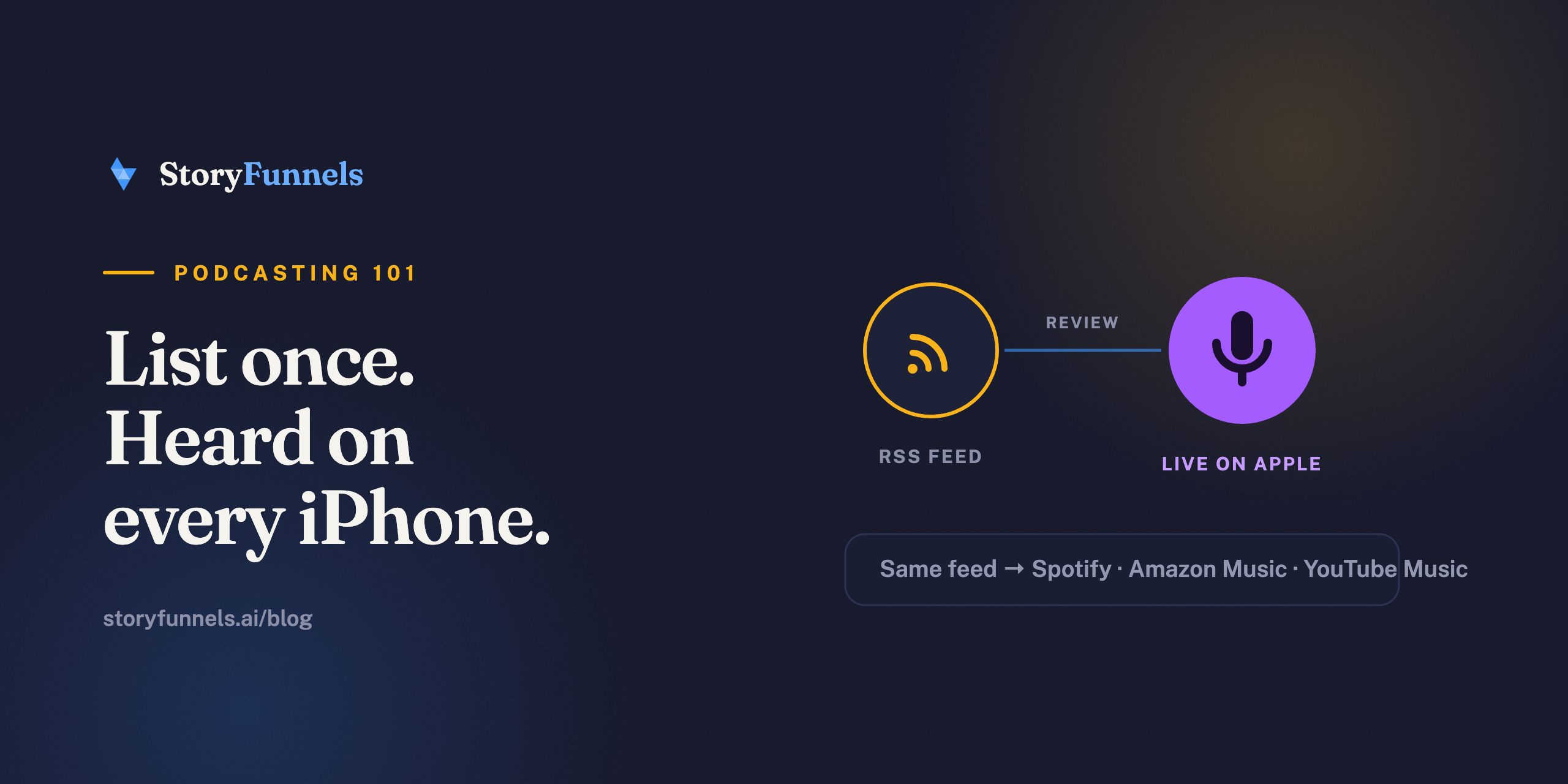
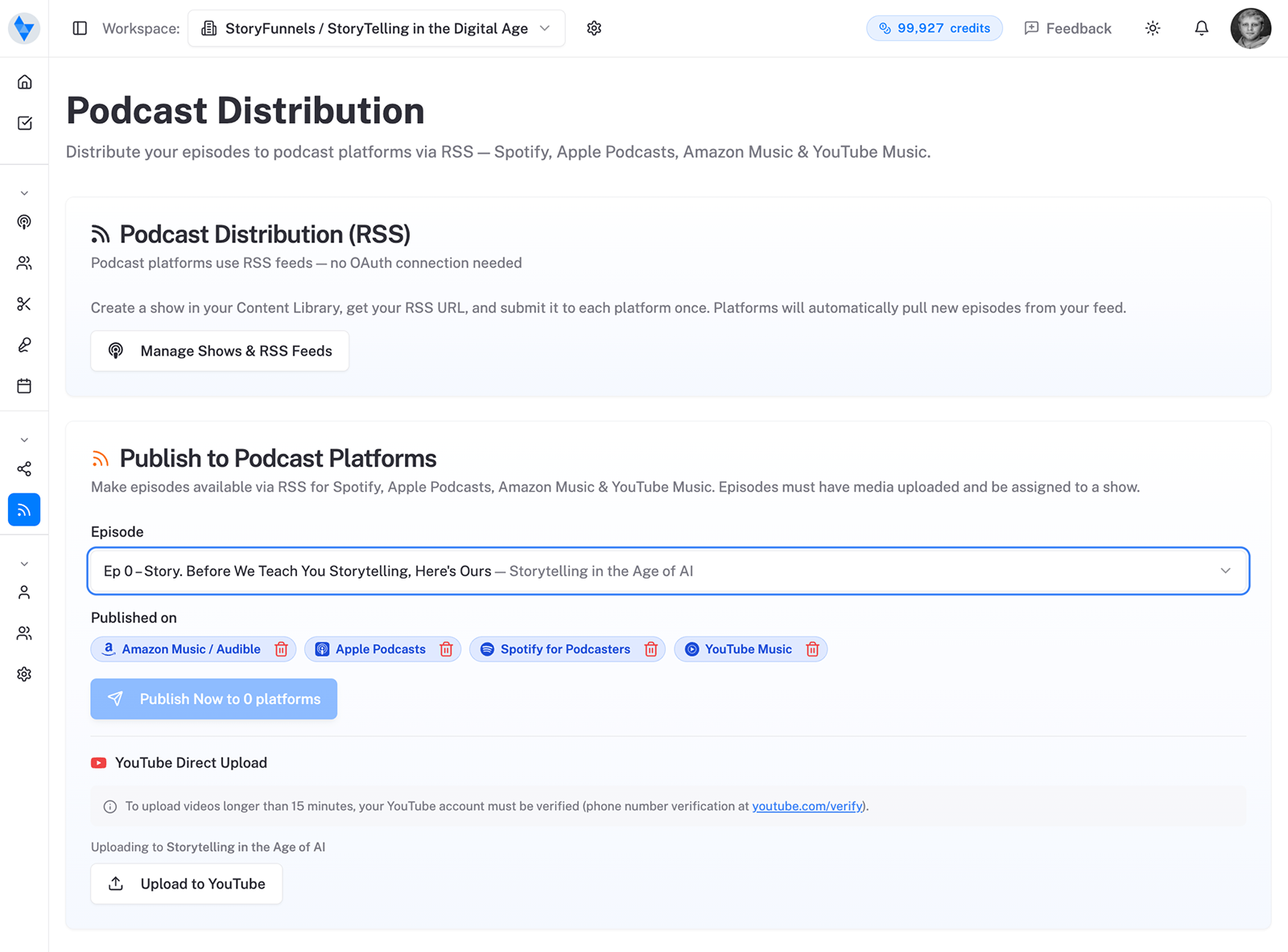
You don’t upload episodes to Apple. You submit one RSS feed through Apple Podcasts Connect, Apple validates and reviews it, and from then on every new episode is pulled in for you. Same model as getting on Spotify — one feed, submitted once, working forever.
Why Apple still sets the standard
Plenty of people will tell you Apple Podcasts isn’t what it was. They’re half right, and it doesn’t matter.
Apple is still the reference directory for the whole open ecosystem. Its categories and charts shape how shows get discovered elsewhere. Its app is the default on every iPhone, one tap from the share sheet, and the thing Siri reaches for when someone asks to play a show. Being absent from Apple isn’t a neutral choice — it’s a hole in your distribution that other platforms quietly assume you’ve filled.
So you fill it. Once. Then you never think about it again.
The catch nobody warns you about
Your Apple ID needs a valid payment method on file. Even though listing costs nothing.
Without a card attached, you can’t even sign in to Apple Podcasts Connect — and the error you get won’t tell you that’s why. People burn an hour assuming the portal is broken when the fix is thirty seconds away.
So before anything else, open your Apple ID account settings and confirm there’s a payment method on the account. Do that first and the rest of this is smooth.
Before you start: what you need
- A podcast host with at least one published episode. Apple rejects empty feeds.
- Your RSS feed URL — from your host, usually under “Distribution” or “RSS.”
- An Apple ID with a valid payment method (the catch above).
- Show artwork that meets Apple’s spec — square, 1400–3000px, RGB, JPEG or PNG.
- A working owner email inside your feed — Apple uses it to confirm the show is yours.
Step by step: submitting to Apple Podcasts
Once your Apple ID is sorted, the submission itself is quick.
- Go to Apple Podcasts Connect and sign in with your Apple ID.
- Click the + next to “Podcasts,” choose New Show, then Add a show with an RSS feed.
- Paste your RSS feed URL. Apple validates it — usually within 30 minutes, sometimes a few hours.
- Review the show details Apple pulled in, and set Content Rights — confirm you have rights to any third-party material in the show.
- Add contact information so Apple can reach you if there’s an issue.
- Click Publish. Apple runs a final review for technical and content problems before your show goes live.
The review step (the one real difference)
Most directories list you the moment the feed validates. Apple looks first.
After you hit Publish, your show goes into a review queue while Apple checks for technical issues and obvious content problems. Validation of the feed itself is fast — often under thirty minutes. The human-side review can take up to 24 hours or more. It’s not personal and it’s not a verdict on your show; it’s a gate everyone passes through.
Get the feed clean beforehand and it’s a formality. If you’re still pending well past a day, that’s your cue to contact Apple Podcasts support rather than resubmit and create a tangle.
Submit the feed once. After review, Apple re-checks it about every 24 hours and pulls in new episodes.
Use the features that make Apple Apple
Once you’re in, a few Apple-specific touches quietly separate a polished show from a thrown-together one.
- Transcripts. Apple displays transcripts and auto-generates them for many shows. They make episodes accessible — and, not incidentally, readable by machines, which matters more every year.
- Chapters. If your episodes include chapter markers, Apple shows them, letting listeners jump to the part they came for. Long interviews especially benefit.
- Categories and seasons. The right primary category is how topic-browsers find you. Seasons keep a long-running show legible instead of an endless scroll.
Each of these lives in your feed, set by your host — which is the recurring theme of getting on any platform: the listing is only ever as good as the feed behind it.
The mistakes that get submissions bounced
Almost every rejection traces back to the feed, not the show.
- An empty feed. Publish at least one episode before you submit.
- An owner email Apple can’t verify. Make sure the email in your feed is real and yours.
- Artwork outside spec. Square, 1400–3000px, RGB. Apple is unusually strict here.
- Missing content rights. If your show uses third-party music or clips, you have to confirm you’re cleared to.
Each is a thirty-second fix in your host’s settings — and each is invisible until Apple bounces you. Check all four before you submit, not after.
How Apple’s charts actually work
People obsess over the Apple charts. It’s worth understanding what they really measure.
The charts reward velocity, not lifetime totals — a burst of new followers and listens in a short window, especially right after launch. That’s why so many shows “chart” in their first week and then slide: the spike fades. It’s also why a coordinated launch — telling your existing audience exactly when to subscribe and listen — outperforms a quiet drip, at least for that opening moment.
But don’t mistake the chart for the goal. A category chart is a nice screenshot and a small discovery bump; it is not a business. The shows that last optimize for something duller and more durable — people who come back every week — and let the chart be a byproduct of that, not the target.
Apple also offers paid subscriptions, letting you put bonus or ad-free content behind a paywall for listeners who want more of you. It’s not the right move on day one — you need an audience that would miss you before you ask them to pay — but it’s worth knowing the lever is there for when the show has earned it.
The throughline: getting listed is a checkbox, charting is a moment, and neither is the same as building something. The directory is plumbing. What flows through it is the actual work.
You’re listed. That’s the floor, not the ceiling.
Being in Apple Podcasts means you’re findable by people who already know to look for you.
New listeners are won somewhere else — in clips, in articles that rank, in AI answers that name your show. So treat the Apple listing as the baseline it is, then put your real energy into being found. The directory gets you in the room. The work after it is what fills the seats.
Sources: Apple Podcasts for Creators — Submit a new show, plus host documentation from Buzzsprout and Transistor.