
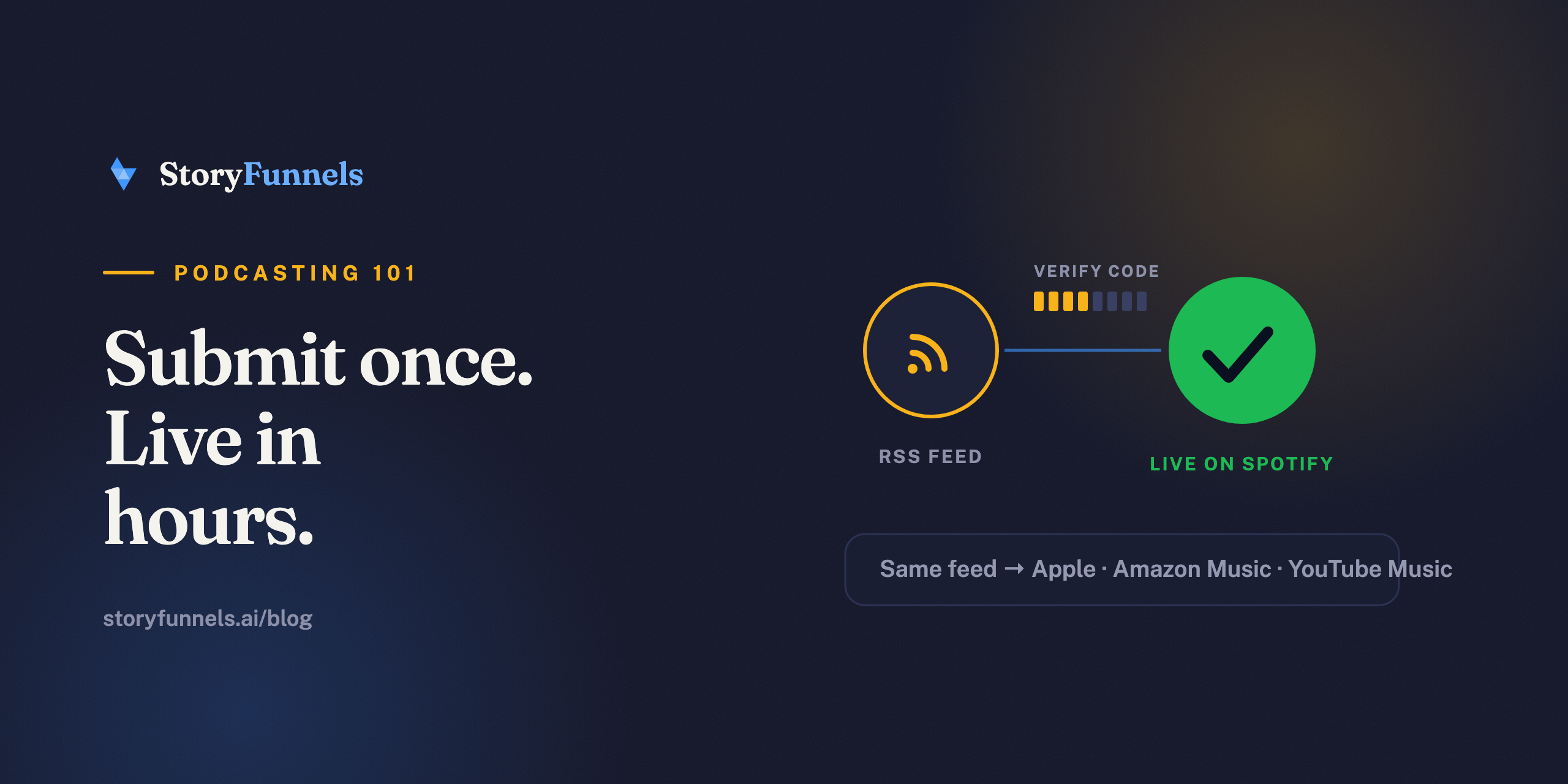
You don’t upload episodes to Spotify.
Surprising, but true — and it’s the thing that makes the whole process click. You publish to a podcast host, the host gives you an RSS feed, and you hand that one feed to Spotify through Spotify for Creators. Spotify checks you own the show with an emailed code, and from then on your episodes simply arrive on their own.
Most shows are live within a few hours.
That’s the whole trick. Now here it is, step by step — plus the two mistakes behind nearly every failed submission.
Before you start: what you need
Three things. No more.
- A podcast host with at least one published episode. Spotify rejects empty feeds.
- Your RSS feed URL — copy it from your host, usually under “Distribution” or “RSS.”
- Access to the email listed inside that feed. Spotify sends a verification code there. This is the step people miss.
Step by step: submitting to Spotify
- Go to Spotify for Creators and log in (or sign up). New account? Use the same email that’s on your podcast feed — it makes the next part painless.
- Choose “Add your podcast.” Spotify asks for your RSS feed link.
- Paste the URL and continue. Spotify reads the feed and shows you a preview of your show.
- Verify ownership. Spotify emails an 8-digit code to the address inside your feed. Enter it.
- Add the details — category, language, country.
- Submit. Done. Spotify won’t tell you when it goes live, so check back in a few hours.
A one-time setup. After verification, every new episode flows in on its own.
From here, you never touch Spotify again for new episodes. You publish to your host; the feed updates; Spotify pulls the episode in automatically. Same story for Apple Podcasts, Amazon Music, and YouTube Music — one feed, submitted once each.
The two mistakes that cause failed submissions
When a submission stalls, it’s nearly always one of these.
An empty feed. Spotify won’t accept a show with zero episodes — publish one first. Or a wrong email inside the feed. The verification code has nowhere to land, and the whole thing freezes. Check both in your host’s settings before you blame Spotify. It’s almost never Spotify.
“I had to engineer everything for optimal simplicity, or I wouldn't keep doing it.”
That instinct is the real lesson here. Submitting to Spotify is a one-time chore you’ll forget by next week. The recurring work — clips, posts, show notes, actually getting found — is what decides whether you’re still publishing in a year. Engineer that for simplicity from day one, or you’ll stall out around episode seven like most shows do.
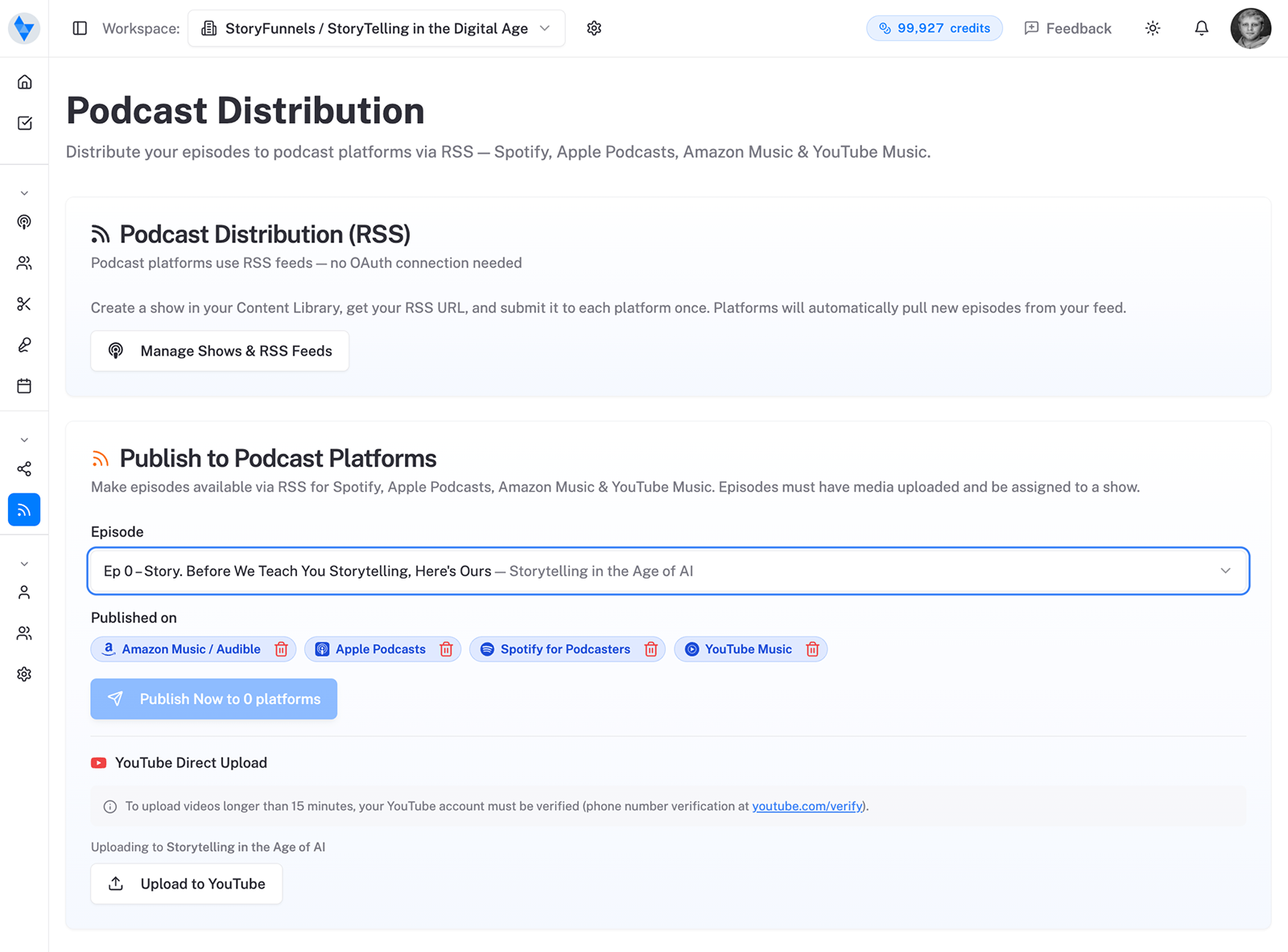
You’re on Spotify. Now the real work begins.
Being on Spotify is table stakes, not a strategy.
The app is a jukebox for shows people already know — not a search engine. Discovery happens everywhere else: in a clip a friend forwards, in an article that ranks, in an AI answer that names you. So the day you go live, point your energy at being found, not merely available.
Sources: Spotify for Creators — RSS feed and Spotify’s official submission documentation.