
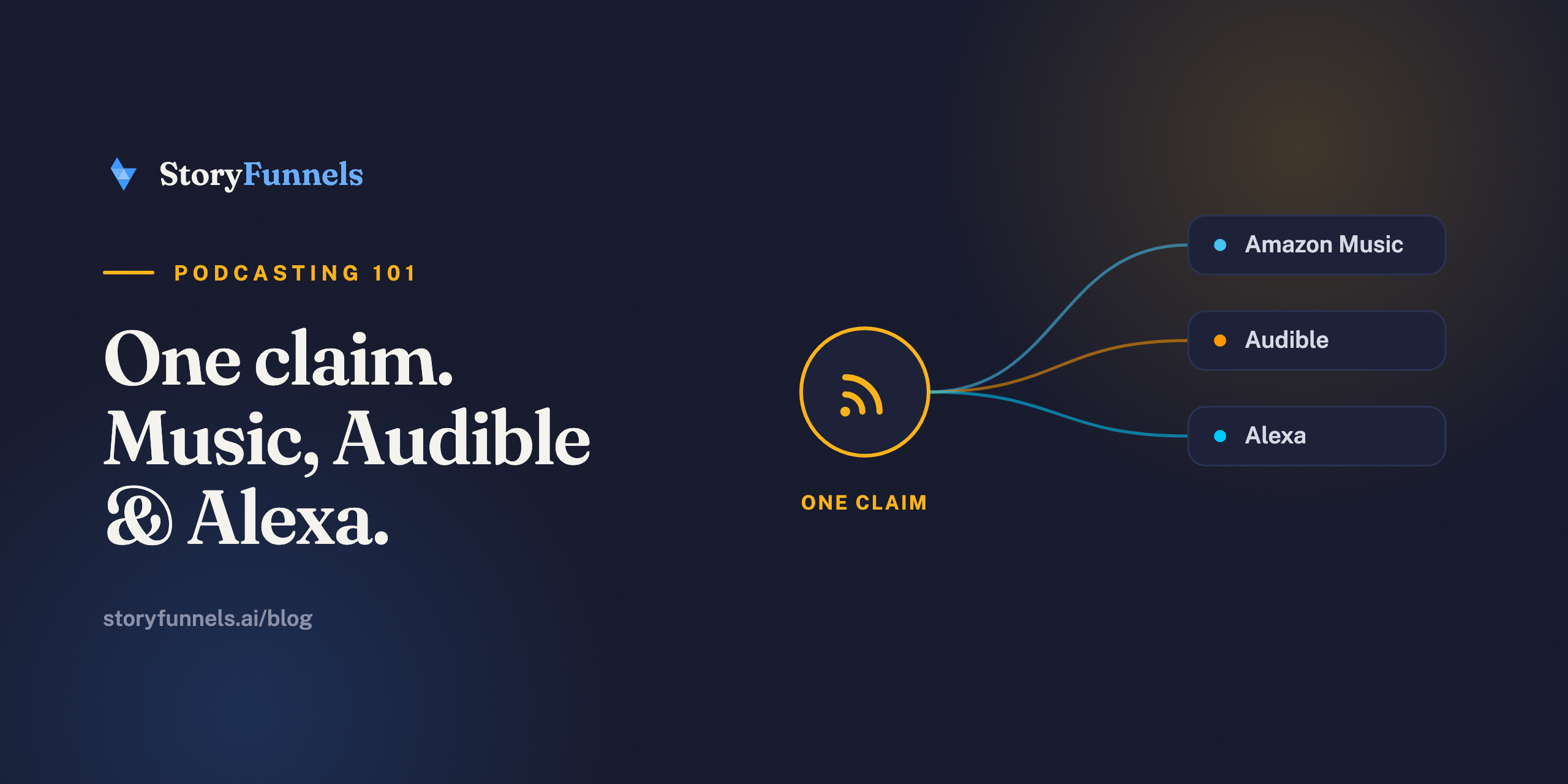
One submission. Three places people listen.
Amazon Music is the rare directory that’s really a bundle. Claim your show once and it lands on Amazon Music, on Audible, and on every Alexa device within earshot. Most creators submit it and move on. The part they underrate is the one that runs without a screen.
“Alexa, play The [Your Show] Podcast.”
Hands full, kitchen loud, phone in another room — and you’re playing anyway. That’s a way into someone’s day that Spotify and Apple simply don’t have, and it comes free with the same RSS submission you’d do regardless.
Why Amazon Music is worth ten minutes
Start with the obvious: Amazon’s audience is enormous, and a lot of it never opens a dedicated podcast app.
These are Prime members, Echo owners, people already inside Amazon’s world for shopping and music. When your show is there, you meet them where they already are instead of asking them to install something new. And because the same claim flows through to Audible, you also reach a listening audience that skews toward people who pay for audio — a good crowd to be discoverable by.
The mechanics are the familiar ones. You don’t upload episodes anywhere; you hand Amazon a single RSS feed, confirm you own it, and every new episode flows in on its own — the same pattern as Spotify and Apple Podcasts. Learn it once, repeat it everywhere.
Before you start: what you need
Three things, and one of them is the thing everyone forgets.
- A podcast host with at least one published episode. Empty feeds get rejected.
- Your RSS feed URL — copy it from your host, usually under “Distribution,” “RSS,” or “Feed.”
- Access to the email inside your feed. Amazon’s ownership link goes there, not to your Amazon account email. This is the one people miss.
- An Amazon account to sign in to the podcasters portal.
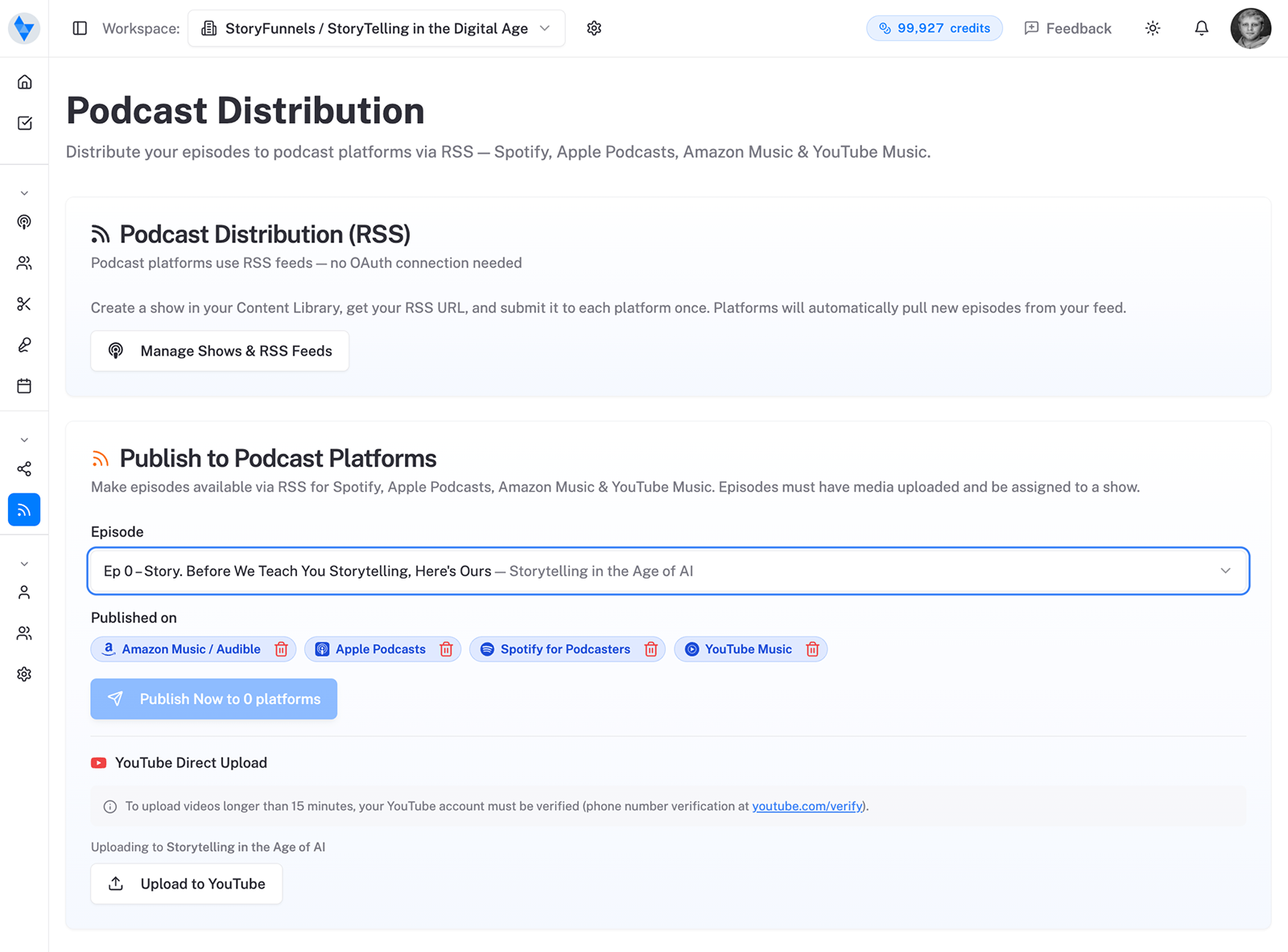
Step by step: submitting to Amazon Music
The whole thing takes about ten minutes, most of which is waiting for one email.
- Go to Amazon Music for Podcasters and sign in with your Amazon account.
- Choose “Add or Claim Your Podcast” and paste your RSS feed URL.
- Pick your primary region from the dropdown — the main country your audience is in — then submit.
- Confirm ownership. Amazon emails a Confirm Ownership link to the address inside your feed. Open it and click through.
That’s the entire flow. No episode uploads, no re-submitting later. From here on, you publish to your host and Amazon pulls the new episode in automatically, usually within a few hours of it going live on your feed.
The verification quirk that stalls people
Here’s where submissions actually get stuck — and it’s almost never Amazon’s fault.
Amazon sends a link, not a code. And it sends it to the owner email buried inside your RSS feed — typically the <itunes:email> field your host fills in — not to whatever address you used to log in to Amazon. If those two are different, the confirmation email lands somewhere you’re not looking, and the whole thing silently stalls.
So before you blame the portal, check one field.
Open your host’s settings, find the owner/author email on your feed, and make sure it’s an inbox you can actually open. If it’s wrong, fix it, let the feed refresh, and resubmit. Nine times out of ten, that single field is the difference between “live in an hour” and “why won’t this work.”
One claim puts you on Amazon Music and Audible — and makes you playable by voice on Alexa.
Already distributed? Claim, don’t duplicate
Some hosts push your feed to Amazon automatically, which creates a wrinkle.
If your show is already showing up on Amazon Music but you’ve never logged in to manage it, don’t add it again — that’s how you end up with two listings competing with each other. Instead, use the claim path in the same portal to take ownership of the existing show, then verify with the email in your feed. Same verification step, no duplicate.
Make the listing actually work
Getting listed is the floor. A listing that earns a tap is the goal.
Amazon pulls everything it shows from your feed, so the polish happens at your host, not in the portal. A few things punch above their weight:
- Cover art that survives a thumbnail. It’ll often appear small on a phone or as a card on an Echo Show. Big, legible, square — not a tiny logo lost in a busy background.
- A first line that sells. The opening sentence of your show description is what most people actually read. Lead with who it’s for and what they’ll get, not your origin story.
- Episode titles a human scans. “Ep. 47” tells a browser nothing. “The mistake that cost me my first 1,000 listeners” tells them everything.
- The right category. It’s how people browsing by topic find you. Pick the one your ideal listener would actually tap, not the most flattering one.
None of this lives on Amazon. It lives in your feed — which is exactly why a good host matters.
Common problems (and the one-line fix)
When something breaks, it’s almost always one of these — and all of them are quick.
- No confirmation email. The feed’s owner email is missing or wrong. Fix it at your host, refresh, resubmit.
- “Feed has no episodes.” Publish at least one before submitting; Amazon won’t take an empty show.
- Duplicate listing. You added a show your host already pushed. Claim the existing one instead.
- Episodes not updating. Directories cache feeds; give a new episode a few hours before assuming something’s wrong.
Where Amazon Music fits in your stack
Don’t think of Amazon Music as “another Spotify.” Think of it as a different kind of listening.
A lot of Amazon’s audio happens in the background of a home — a smart speaker on the counter, a routine that fires in the morning, a Prime member who never went looking for a podcast app at all. That’s ambient, habitual listening, and it favors shows that are already there when someone says “play me something.” Being absent means you’re simply not an option in that moment.
Two habits compound the payoff. First, the voice routine: once someone has played you on Alexa a couple of times, “play my podcast” starts surfacing you without a name. Second, the follow: encourage listeners to follow the show inside Amazon Music so new episodes land in their feed automatically, the same way they would on any other app.
Amazon also gives podcasters a free clip tool for cutting shareable moments, which folds neatly into the same habit every platform rewards — slicing one episode into many small invitations. If you’re already turning episodes into a month of content, Amazon is just one more place those clips and that audio belong.
The point isn’t that Amazon Music will be your biggest channel. It’s that it costs you one submission to be present in a room — the connected home — that your competitors keep forgetting exists.
Live everywhere. Now make people care.
Distribution is solved. Discovery isn’t.
Being on Amazon Music, Audible, and Alexa means you’re reachable — not yet chosen. The work that actually grows a show happens off-platform: the clips that catch a scroller, the articles that answer a search, the moments that make someone say your name to a speaker. That’s the part worth obsessing over, and it’s the same story on every platform — being available is not the same as being found.
Sources: Amazon Music for Podcasters, plus host documentation from RSS.com and Captivate.